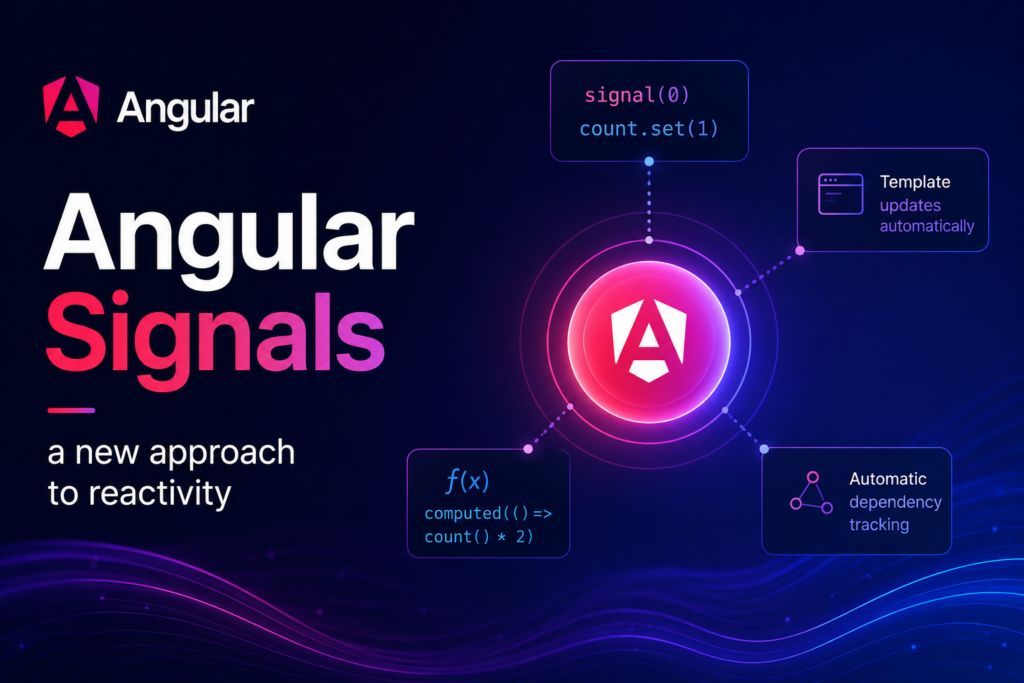
By the introduction of signals Angular has provided a new and simple approach to implementing reactivity in components. Signals were introduced in Angular in v16 as developer preview feature and now from v20 onwards they have been graduated to stable status.
Definition of signal in simple words:
A signal in Angular is a reactive primitive that holds a value and notifies it’s consumers whenever there is a change in its value.
Note :- The word ‘primitive’ hear means a fundamental building block. So , signal is basically a fundamental building block for achieving reactivity in Angular.
There are 2 types of signals :
- Writable signals
- Computed signals
Writable Signals :
A writable signal holds a value and notifies it’s consumers whenever it’s values is updated.
//intitialize the signal with value 0
count = signal(0);       //a signal with name 'count' initialized with value 0

//set signal's value
this.count.set(2);  //signal's value set to 2

//update signal's value
this.count.update((value) => ++value);  //signal's value incremented.

//fetch signal's value
console.log(this.count());   //output - 3
Computed Signals :
The computed signals are read-only signals and they derive there value from another signals. If the writable signal on which a computed is dependent gets updated then the computed signal will get updated automatically.
//define a writable a signal
count = signal(0);

//define a computed signal :-
double = computed(() => this.count() * 2);

this.count.set(2);
console.log(this.double())  //output:- 4
In the above code the variable ‘double’ is a computed signal whose value is twice the value of the ‘count’ signal. When the value of ‘count’ signal gets updated to 2 then the value of ‘double’ signal also gets automatically updated to 4 as per the expression written in it’s computed function.
How to listen to signal value updates ?
To listen to signal value updates and perform any actions angular provides effect() function. The effect function will automatically execute whenever any of the signals written inside the effect function’s code get updated.
count = signal(0)

constructor(){
    effect(() => {
      console.log('count has been updated, the updated value is: ', this.count() )
    })
}

ngOnInit(){
  this.count.set(1);
}

//console outputs:
// count has been updated, the updated value is: 0
// count has been updated, the updated value is: 1
Points to note regarding effect :
- Effect function must be used inside the constructor function of the component.
- By default you can not update a signal’s value inside an effect function. Angular has prevented this to avoid infinite loops which may occur if you update the same signal on which the effect is dependent.
- Although , if you want to update a signal inside an effect for a specific use case then angular provides an allowSignalWrites option to do so . But it must be used with caution. For example:
count = signal(0);
tripleCount = signal(0);

constructor(){
    effect(() => {
      console.log('count has been updated, the updated value is: ', this.count()       );
      thid.tripleCount.set(this.count() * 3)
    }, {allowSignalWrites: true})
}

ngOnInit(){
  this.count.set(1);
}